Geofencing for Fleet Security: A Practical Guide for Indian Logistics
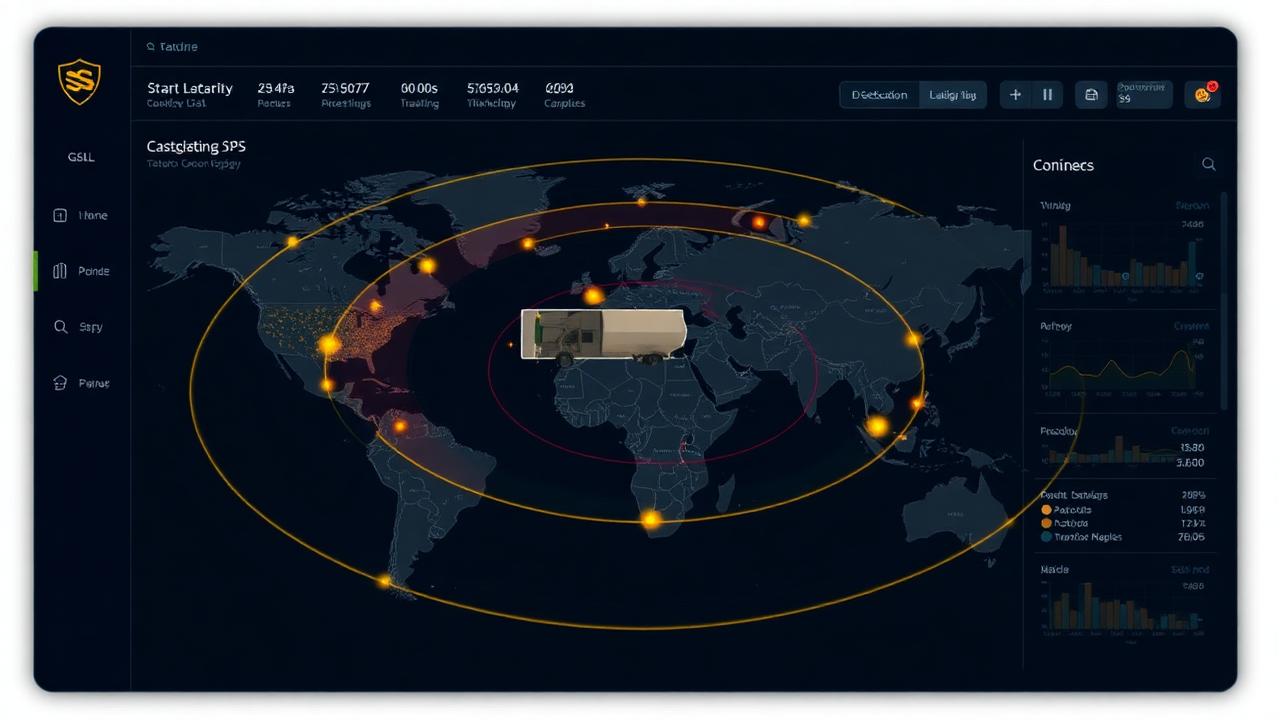
Geofencing turns a GPS dot on a map into an operational policy. Define a corridor, a halt zone or a no-go area — and the platform reacts the moment a vehicle, container or lock crosses the line.
Route Corridor Alerts
Define the approved corridor between origin and destination. Any deviation beyond the corridor instantly notifies the control room — the single most effective control against staged theft.
Authorised Stop Zones
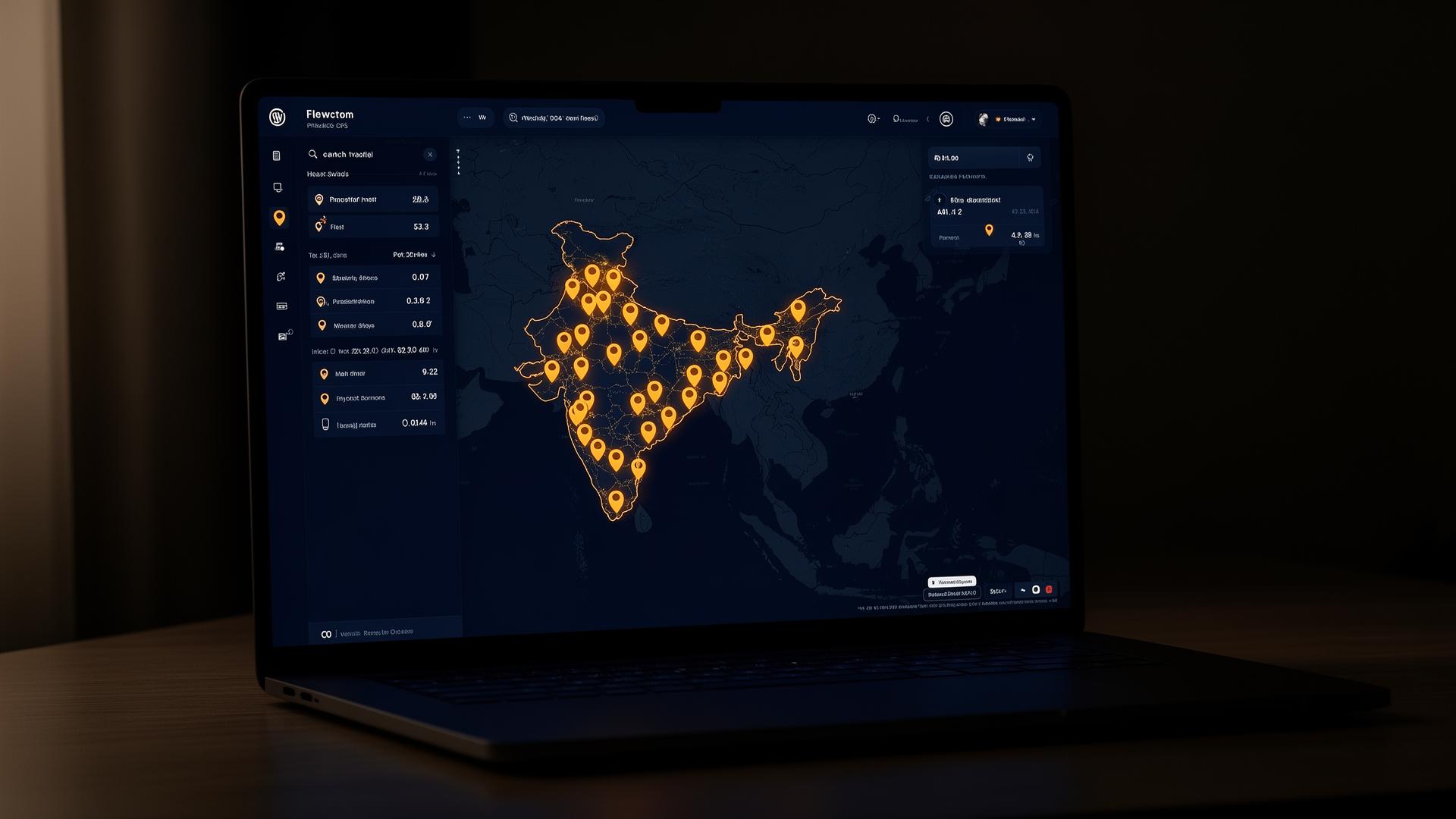
Configure approved fuel stops, dhabas and warehouses. Unscheduled stops outside these zones trigger an alert and a verification call to the driver.
No-Go Zones
Mark known theft hotspots, restricted areas or competitor warehouses as no-go zones. Entry generates a high-priority alert.
Asset Geofences for Locks
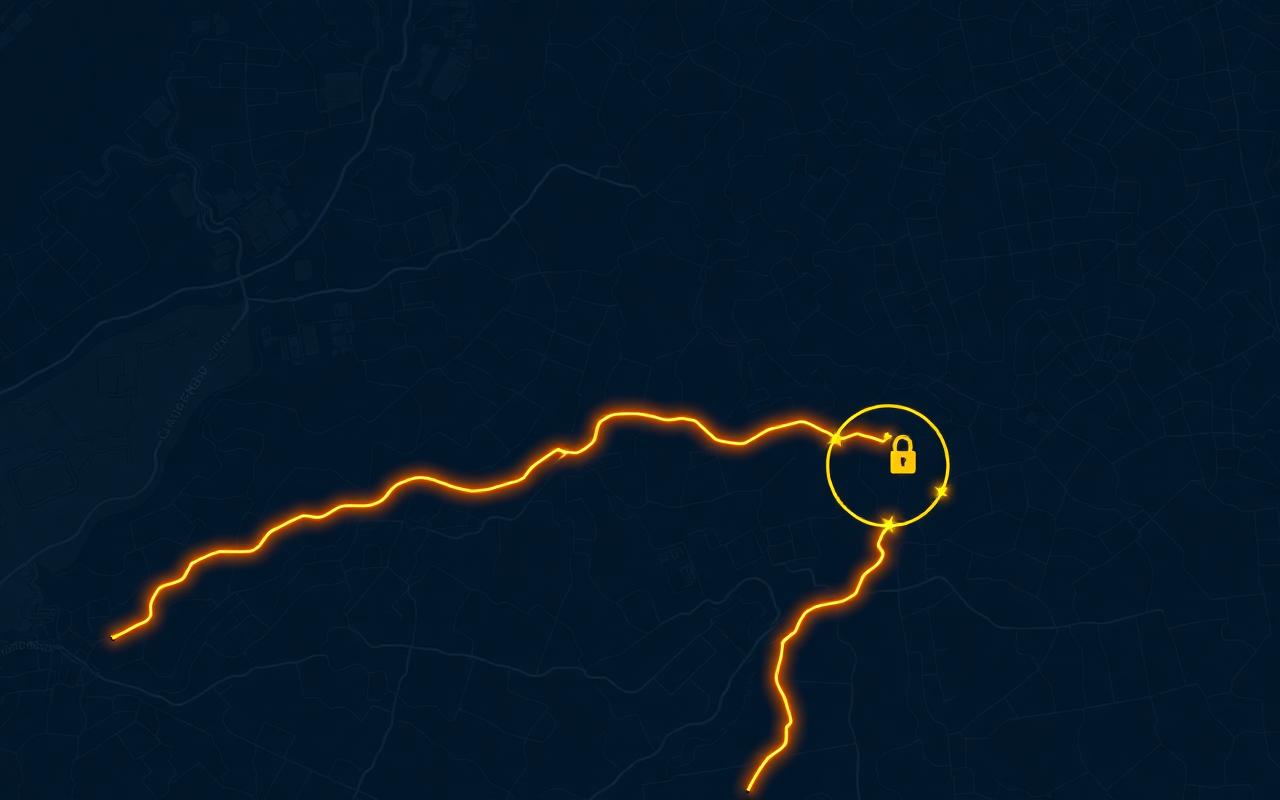
Tag SafeoBuddy padlocks and container locks to a specific yard or container. Movement outside the zone — even before the lock is opened — raises an alarm.
Implementation Checklist
Start with three zones per route: origin yard, destination yard and the connecting corridor. Layer in fuel stops once driver behaviour is baselined. Review false positives weekly and tighten radii. Pair geofence alerts with locks and DMS for a complete picture.
Talk to a SafeObuddy specialist
Get a tailored quote for your routes, cargo type and fleet size.